6 Crypto Payment Scams That Target Merchants and How to Stop Them
25/11/2026
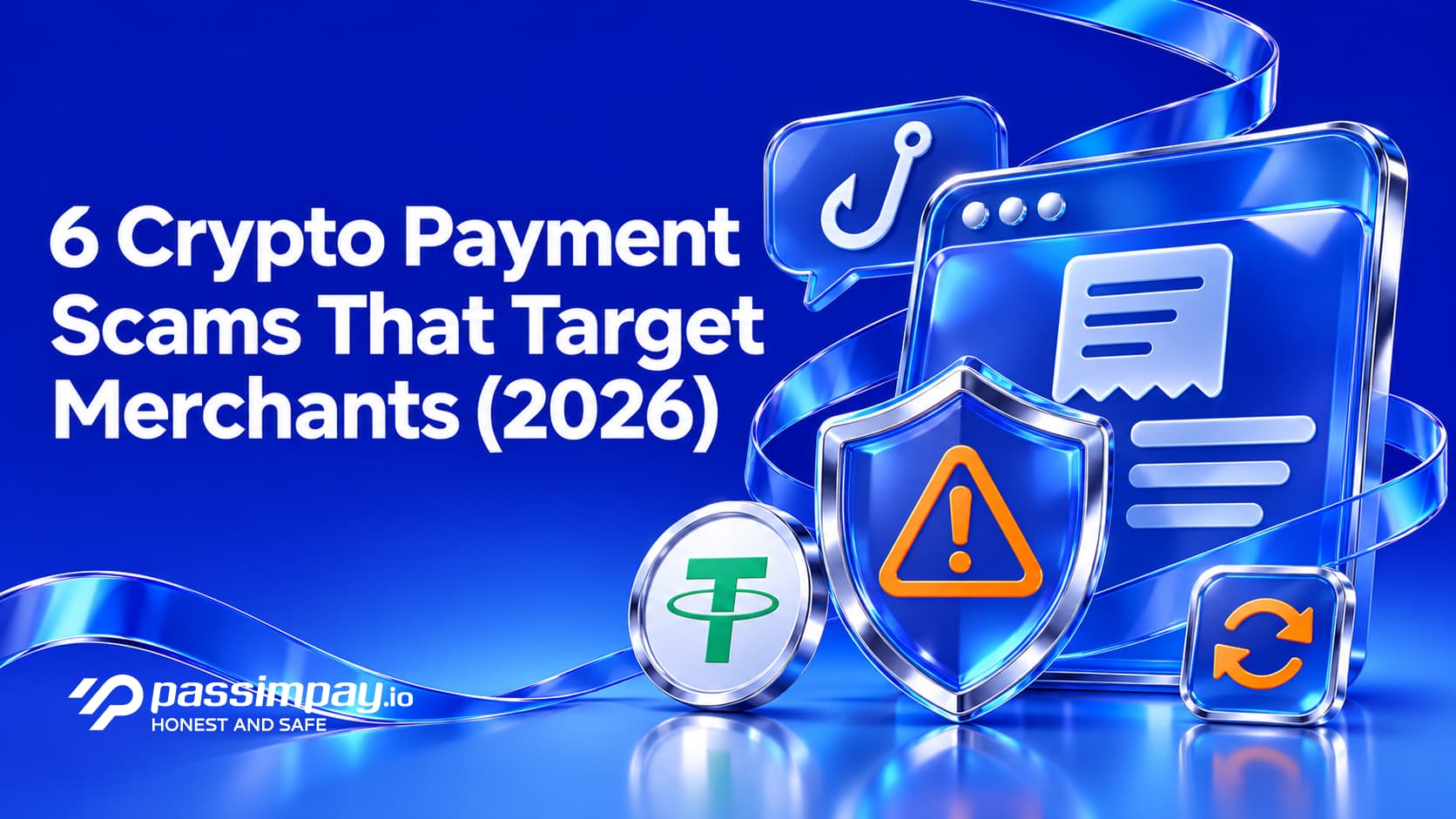
Crypto payments are fast and final. That finality protects merchants from chargebacks, but it also means a mistake made by your team cannot be reversed by a bank. Most scams against merchants do not break the blockchain. They trick people: a support agent, a finance manager, or whoever approves refunds and payouts.
Security has been in the headlines all month. In November 2026 one crypto payment processor suspended payments after a security incident, and another told merchants to reissue API keys, reset 2FA and recheck webhook URLs and IP whitelists after a technical incident. Your own checkout is rarely the target of such attacks, but your staff is targeted every day. Here are the six schemes merchants meet most often.
1. The overpayment and "refund the difference" request
A customer pays more than the invoice, then asks you to send the extra amount back, often to a different address and urgently. Sometimes the “overpayment” never confirms at all, or it came from stolen funds.
How to stop it: never refund by hand from a chat message. Process every refund through your payment dashboard, only after the original payment has fully confirmed, and only to an address you have verified with the customer.
2. The payment screenshot that is not a payment
A buyer sends a screenshot of a wallet showing "Sent", or pastes a transaction hash, and asks you to release the goods now. Screenshots are easy to fake, and a real hash may belong to a different payment or a different recipient.
How to stop it: the only proof of payment is the order status reported by your gateway, delivered through your dashboard or a verified callback. In a WooCommerce store, for example, a paid order moves to Processing and then to Completed. Not a screenshot, not a link to a block explorer.
3. The unconfirmed transaction that disappears
A transaction that is broadcast but not yet confirmed can, on some networks, be replaced or dropped. If you ship as soon as it appears in the mempool, you may be left with nothing.
How to stop it: deliver goods or services only after the gateway marks the payment as confirmed. Set clear rules for high-value orders and do not let staff override them.
4. The refund to someone else's wallet
A "customer" writes from a new email or a hijacked account and asks you to refund to a new wallet. The real customer later asks where their money is.
How to stop it: confirm the refund address through the channel the customer used when they placed the order, and keep a record of who approved the refund.
5. Fake support, phishing logins and forged callbacks
Scammers pose as your payment provider's support team, send look-alike login pages, or try to steal API keys. With a leaked key or a fake webhook, they can try to mark unpaid orders as paid.
How to stop it: turn on 2FA for every user, give each employee only the role they need, store API keys in a secrets manager, rotate them after any incident, and verify every callback signature or status through the API before you fulfil an order. If your provider supports an IP whitelist for API access, use it.
6. The swapped payout address and address poisoning
A familiar partner "changes" their wallet by email. Or an attacker sends you a tiny transaction from an address that looks almost identical to one you use, hoping you copy it from your history next time.
How to stop it: save payout recipients as verified beneficiaries, confirm any address change through a second, already trusted channel, check the full address rather than the first and last characters, and require a second approver for mass payouts.
Merchant checklist
☐ Treat only the gateway status as proof of payment
☐ Refund only through the dashboard, after confirmation, to a verified address
☐ Turn on 2FA and role-based access for every team member
☐ Keep API keys in a secrets manager and rotate them after incidents
☐ Verify callbacks through the API before fulfilment
☐ Confirm payout address changes through a second channel
☐ Use two-person approval for mass payouts
☐ Write these rules into your support and finance playbooks
How PassimPay helps
PassimPay gives your team one place to see the real status of every invoice, so staff never have to judge a screenshot. You can accept USDT and other coins through the USDT payment gateway, connect your store with ready-made plugins and modules. For companies that need euros, PassimPay runs a separate B2B on-ramp service that exchanges USDT and USDC to and from EUR via SEPA, arranged individually for each transaction with a dedicated manager.
For the risks in this guide: incoming payments are screened for AML risk before they are credited, refunds are made from the dashboard instead of by hand, and frequent payout addresses can be saved in the Address book as payment templates, so nobody has to copy an address from transaction history. Team members get their own accounts with one of three permission levels: View only sees the account and its transactions and can download the history, Limited can also top up the balance and create invoices, and Admin can additionally withdraw funds. The people who issue invoices therefore never need the rights to move money. Access can be limited to a chosen wallet, the balance can be hidden from a user, and adding a user requires the master key and a code sent by email. Two-factor authentication is available in the merchant dashboard. Whatever a message claims, PassimPay support will never ask you for your master key, your password or a 2FA code. A personal manager helps you set up these rules from day one.
Want these rules in place before the first attempt? Talk to our team and we will go through refunds, payouts and access levels with your finance and support leads.
FAQ
Is a transaction hash proof that a customer paid? No. A hash shows that a transaction exists, not that it went to your address, for the right amount, or that it has confirmed. Rely on the invoice status in your gateway.
Can a crypto payment be reversed? A confirmed on-chain payment cannot be charged back like a card payment. An unconfirmed one can sometimes be replaced or dropped, so wait for confirmation before you deliver.
What is address poisoning? An attacker sends a tiny transaction from an address that looks like one you use, hoping you copy it from your history. Always check the full address and use saved, verified beneficiaries.
How should we handle overpayments? Refund through your gateway dashboard after the payment confirms, and only to an address you have verified with the customer through the original order channel.
 Contact us →
Do you like this article? Share it with your friends.


More